RBC Royal Bank of Canada

Royal Online Gold Demo Start > Payments > Third Party Payment Request Tutorial

Payments Tutorial Step 5

Back Next Step

Third Party Payment Request - Step 5 of 11

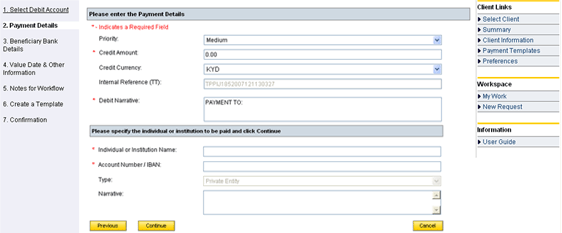
Step 5. On the “Payment Details” screen:
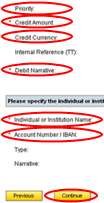
  1. Select “Priority”.
  2. Enter the “Credit Amount”.
  3. Select “Credit Currency”.
  4. Enter “Debit Narrative”.
  5. Enter “Individual or Institution name” and “Account/IBAN number” then click "Continue".