
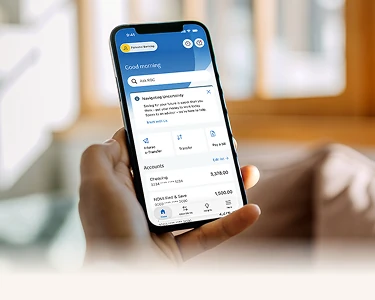
The RBC Mobile app, reimagined for the way you bank today.
You'll notice something exciting the next time you sign in. We've redesigned the RBC Mobile app based on what matters most — smart tools, clean design, and a fast way to get things done. Everything you rely on is still here, and more.


Or text “RBC” to 722722 and we’ll send you the link.

A heads-up, before you sign in
We're rolling out a redesigned mobile experience to all RBC clients, and we wanted you to hear it from us first.

Your account remains secure.
Nothing about your sign in, your accounts, or your security has changed. Same protection you count on.

You don't need to do anything.
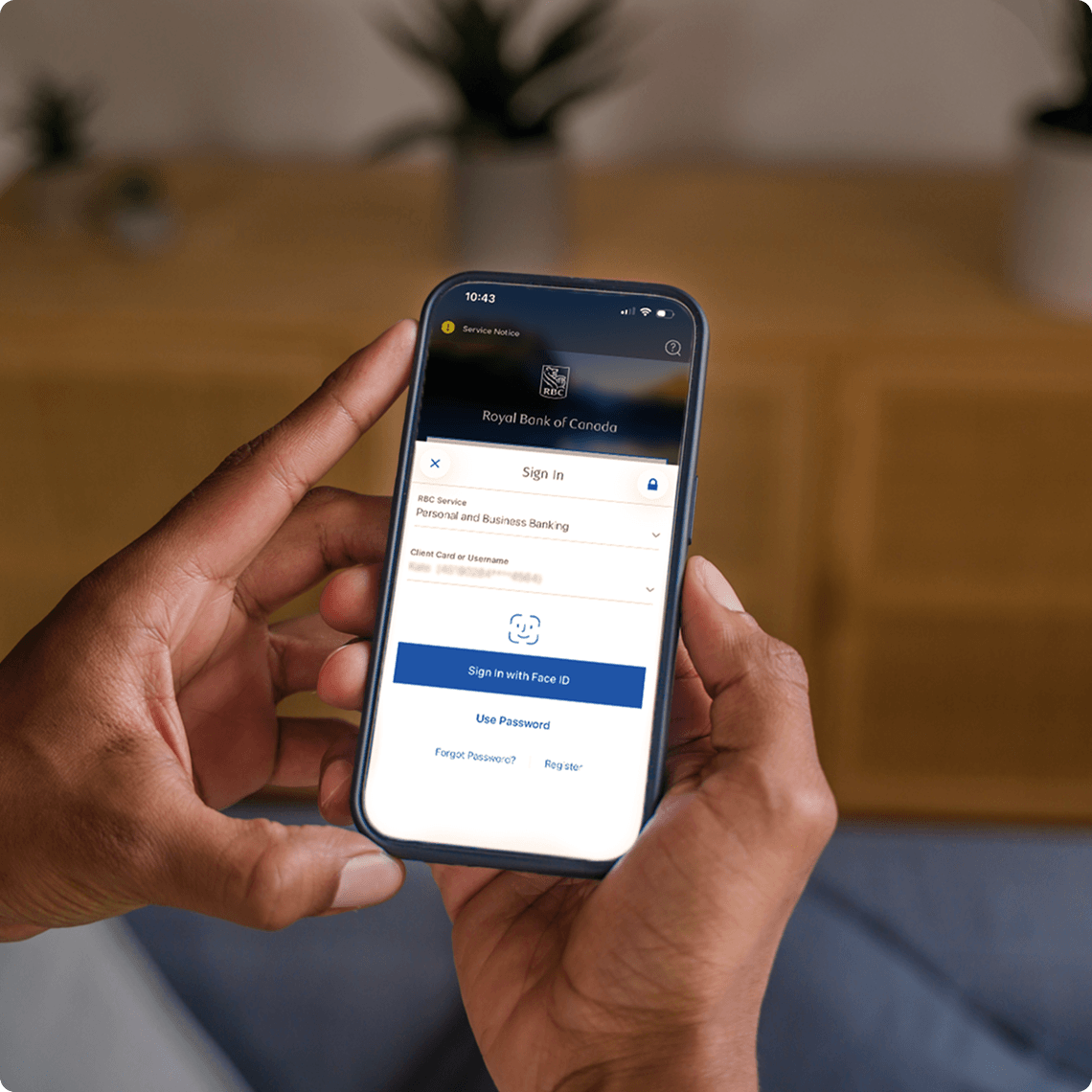
The update happens automatically. Just open the app and sign in as you normally would.
What's new in the RBC Mobile app
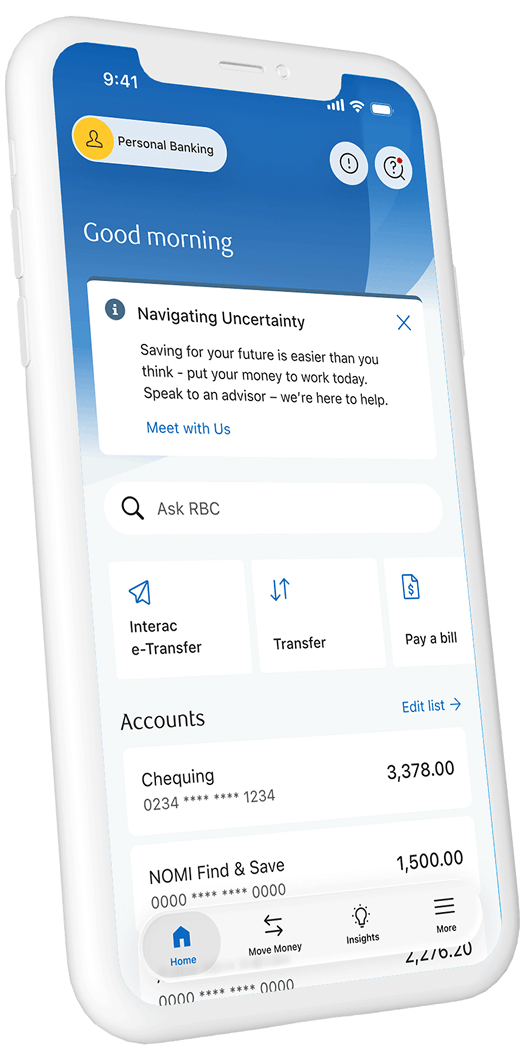
Your whole banking picture, in one view
We've combined your account summary and dashboard into a single, easy-to-scan home screen. Switch between profiles seamlessly, and a refreshed navigation bar puts your most-used actions right at your thumb.
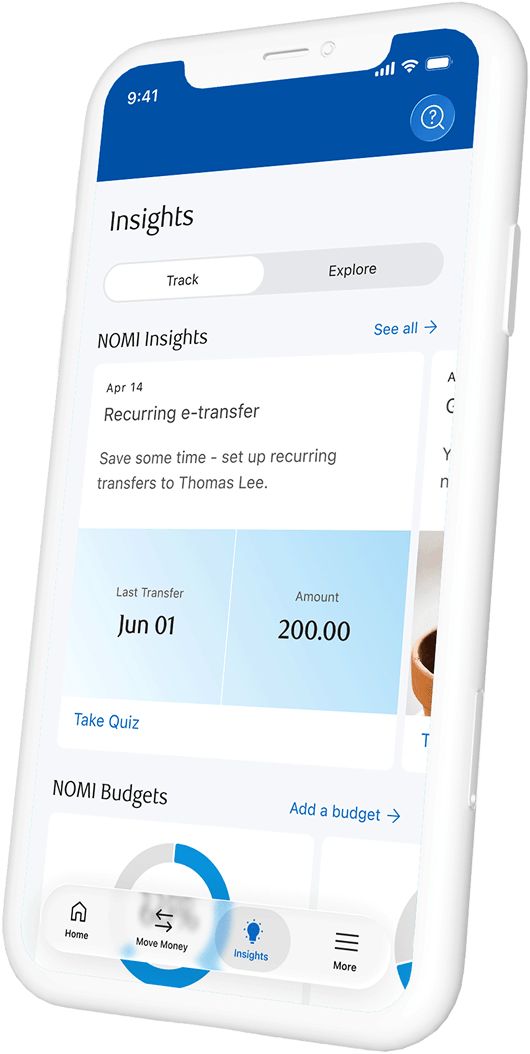
Guidance that meets you where you are.
A new home for NOMI Insights, your credit score, and direct access to an RBC advisor. An Explore tab for Home and other spaces in one central place – making it easier than ever to discover what’s next for your money.
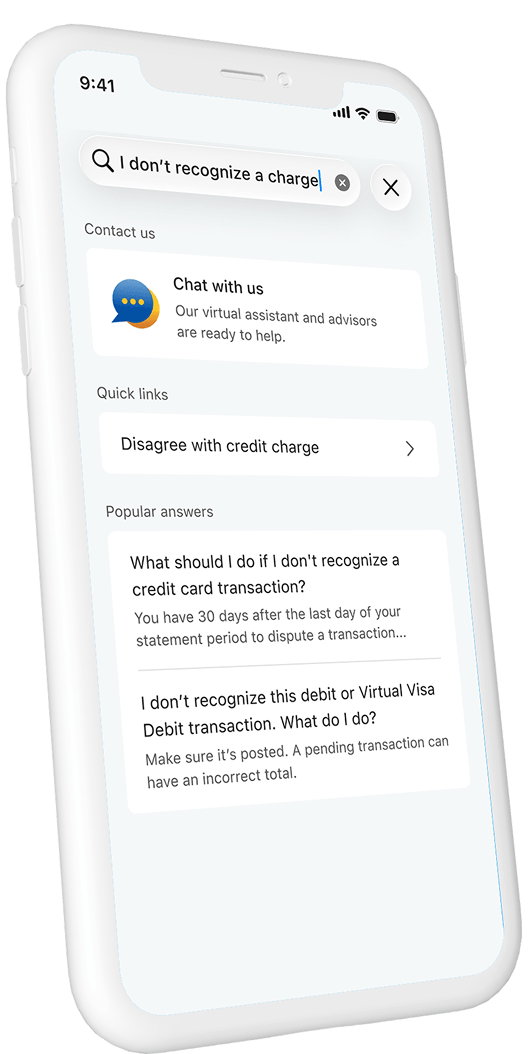
Search that understands what you mean.
Our new AI-powered search delivers quick, relevant answers. Simply ask a question, and the app delivers the right tools, answers, and products — even if you don't know exactly what to call them.
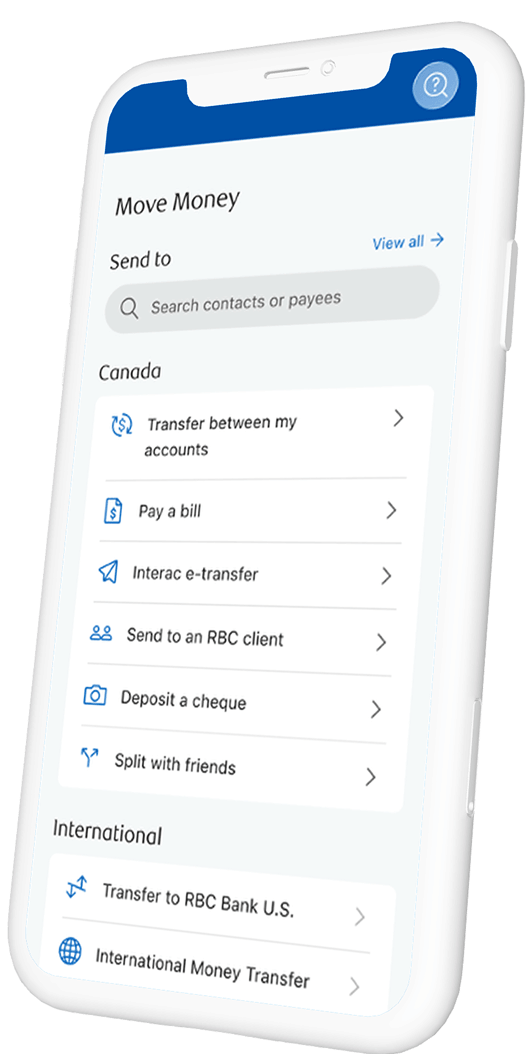
Move money with even more ease.
We've refreshed the Move Money menu. Every payment flow, every transfer, works exactly as it did before.
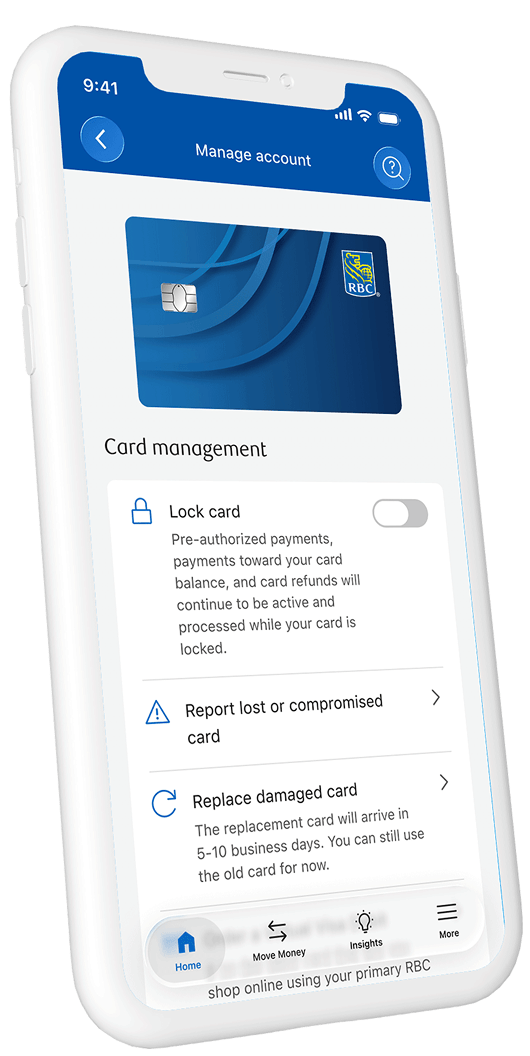
Manage your accounts with fewer taps.
A cleaner Manage Account page brings quick actions (like locking your card) front and centre.
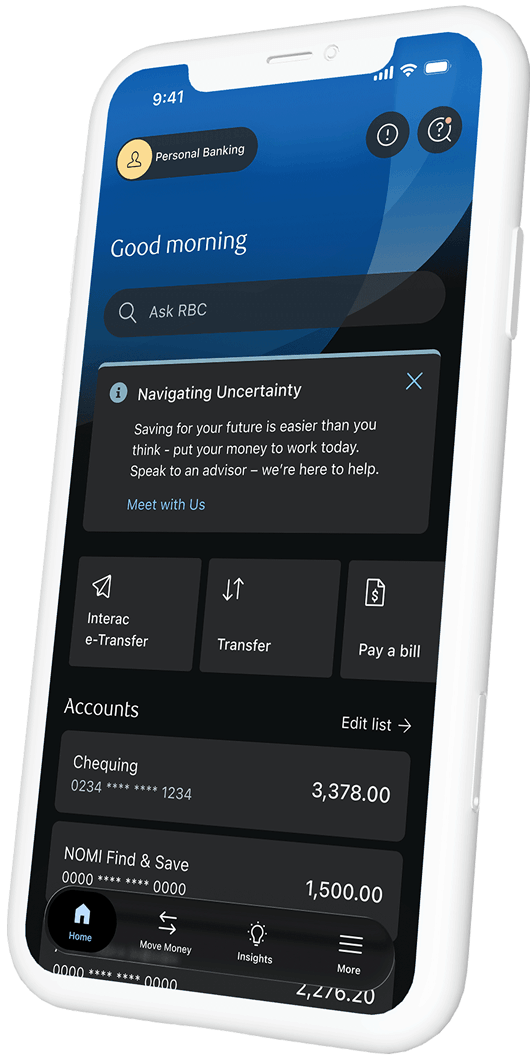
Easy on the eyes, day or night.
Dark Mode is now available across most pages, with more of the app coming into full Dark Mode compatibility.
What’s Not Changing

Your sign-in credentials

Your accounts, balance, and transaction history

The security protecting your money, including the RBC Digital Banking Security Guarantee

All payment, transfer, and bill pay features you already use
Ready to see it for yourself?
The best way to experience the new RBC Mobile is to open it. Sign in the way you always do — and take a look around.
Open RBC Mobile appDon’t have the app? Download it today.
Or text “RBC” to 722722 and we’ll send you the link.
Frequently Asked
Questions
The RBC Mobile app has been redesigned with a cleaner, modern interface for easier navigation. Key improvements include smarter account views for better balance visibility, better search and advice access, enhanced security options, and new personalized spaces for everyday banking, home ownership, and investing. These changes were made to simplify navigation and help you find what you need faster.
Tap the profile icon on the top left of the home screen to open your profile. You can easily switch between your personal, direct investing, Avion Rewards, Small Business Banking, Dominion Securities, and Wealth Management accounts. You’ll also be able to access profile or setting management. The switch takes effect immediately, no additional sign-in required.
You can manage your debit card settings from the Home screen. Select your card under the “Accounts” section, then tap “Manage” to access card-specific options, including transaction alerts, spending limits, lock or replace card, and additional card details.
Yes, all your preferences and settings will remain the same after the update. This includes your privacy settings, Early Access Program enrolment, NOMI forecast settings, statement format, and any other customizations you’ve configured.
Tap the profile icon on the top left of your home screen to open your profile. Select “Sign out” from the bottom of the page. You’ll be securely logged out of the app and returned to the sign in screen.
You can provide feedback directly in the app. Tap the profile icon on the top left of the home screen, select “Feedback,” and follow the survey prompts. Your input is reviewed by the product team and helps shape future app updates.
Need Some
Additional Help?
Need Some
Additional Help?

Call Us
Toll-Free: 1-866-756-1107
Collect: 1-506-864-2275


Call Us
Toll-Free: 1-866-756-1107
Collect: 1-506-864-2275