

 EN
EN
To purchase and order foreign cash in the Mobile app:
- Sign in to the RBC Mobile app
- Go to Move Money located at the bottom of your screen
- Scroll down to International and tap Purchase Foreign Cash
- Follow the on-screen instructions.
Once you have purchased your foreign cash online and chosen a pick-up location, we will then notify you when it’s ready for pick-up.
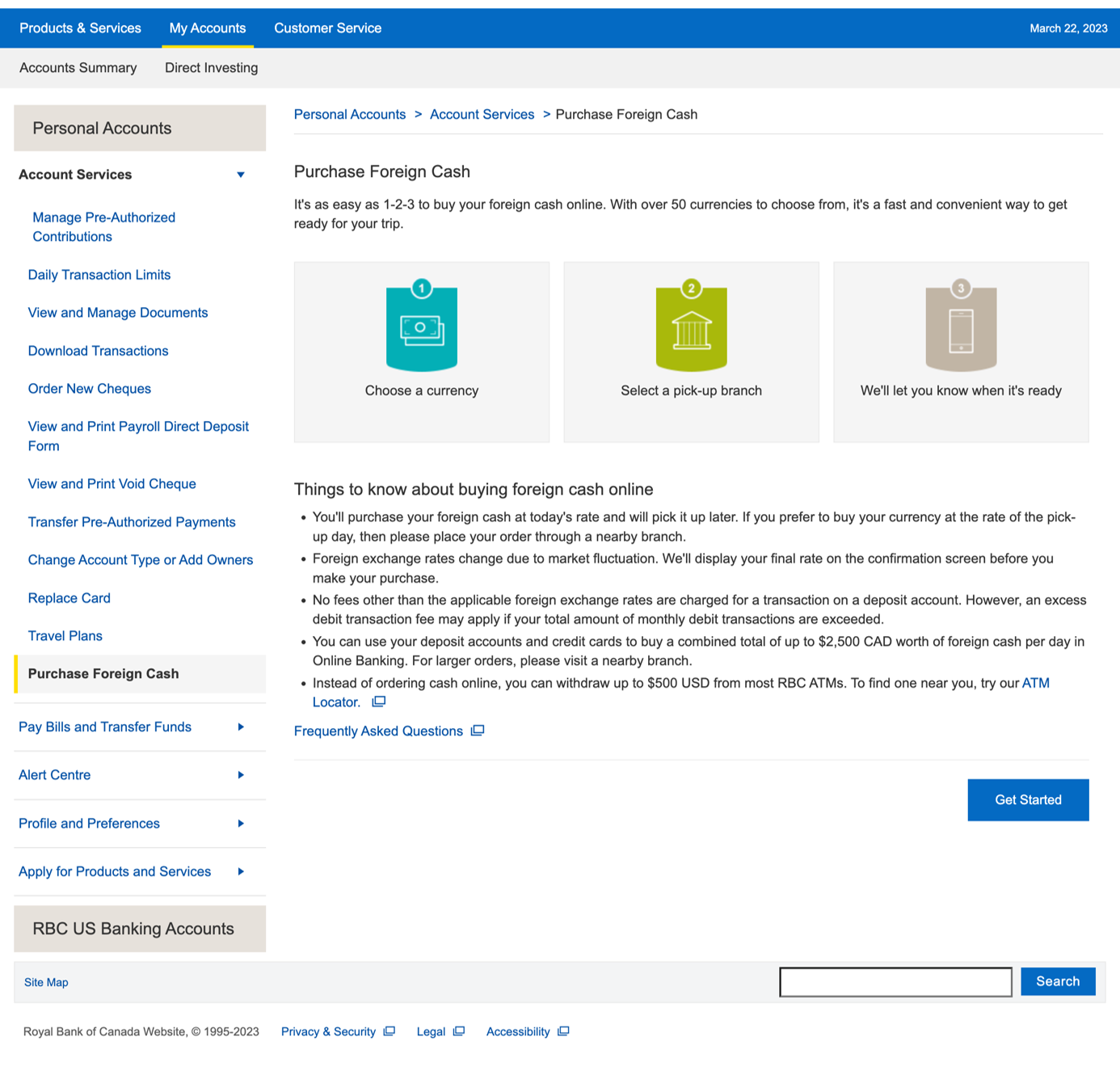
To purchase and order foreign cash in Online Banking:
- Sign in to RBC Online Banking
- From the Account Summary page, Select Account Services on the right side under Account Management
- Select Purchase Foreign Cash
- Follow the on-screen instructions
Once you have purchased your foreign cash online and chosen a pick-up location, we will then notify you when it’s ready for pick-up.
 Sign In
RBC Mobile App


Or text "RBC" to 722722 and we'll send you the link.
Standard message rates may apply.
 Watch Video